How to check price history on Kleinanzeigen?

Negotiate smarter and don’t overpay on Kleinanzeigen
You’re browsing Kleinanzeigen for a bike, sofa, or laptop at a fair price. The listing looks good — €180, negotiable, local pickup. But how do you know the same item wasn’t €170 a week ago? Or that the seller just raised the price so they can “drop” it by €20 and make the deal look sweeter?
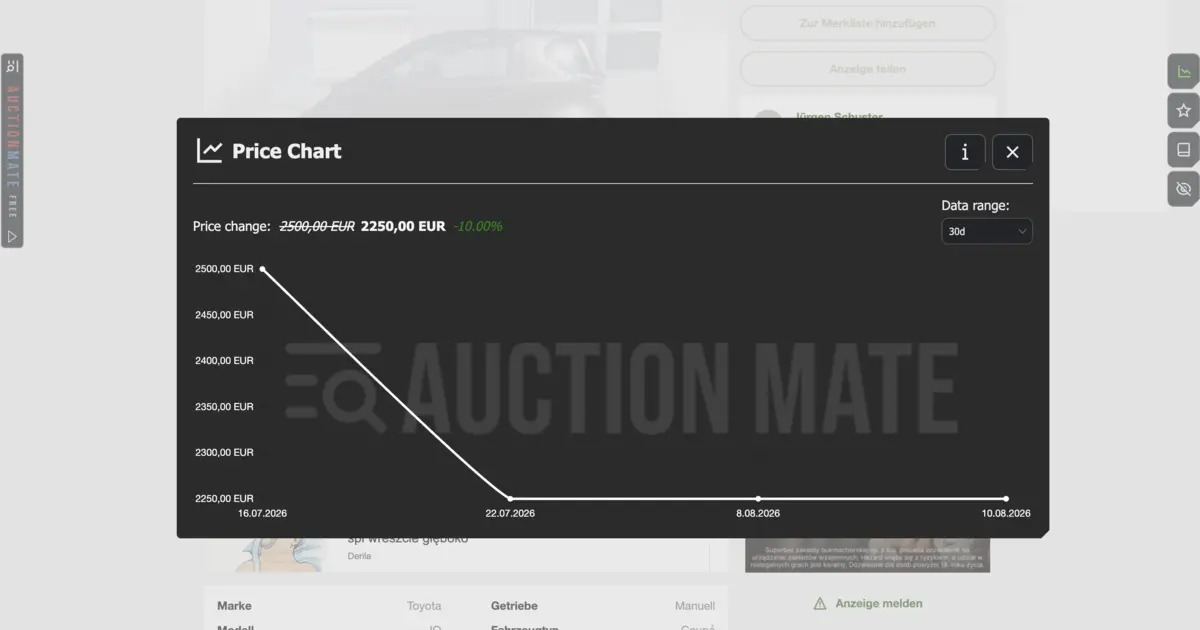
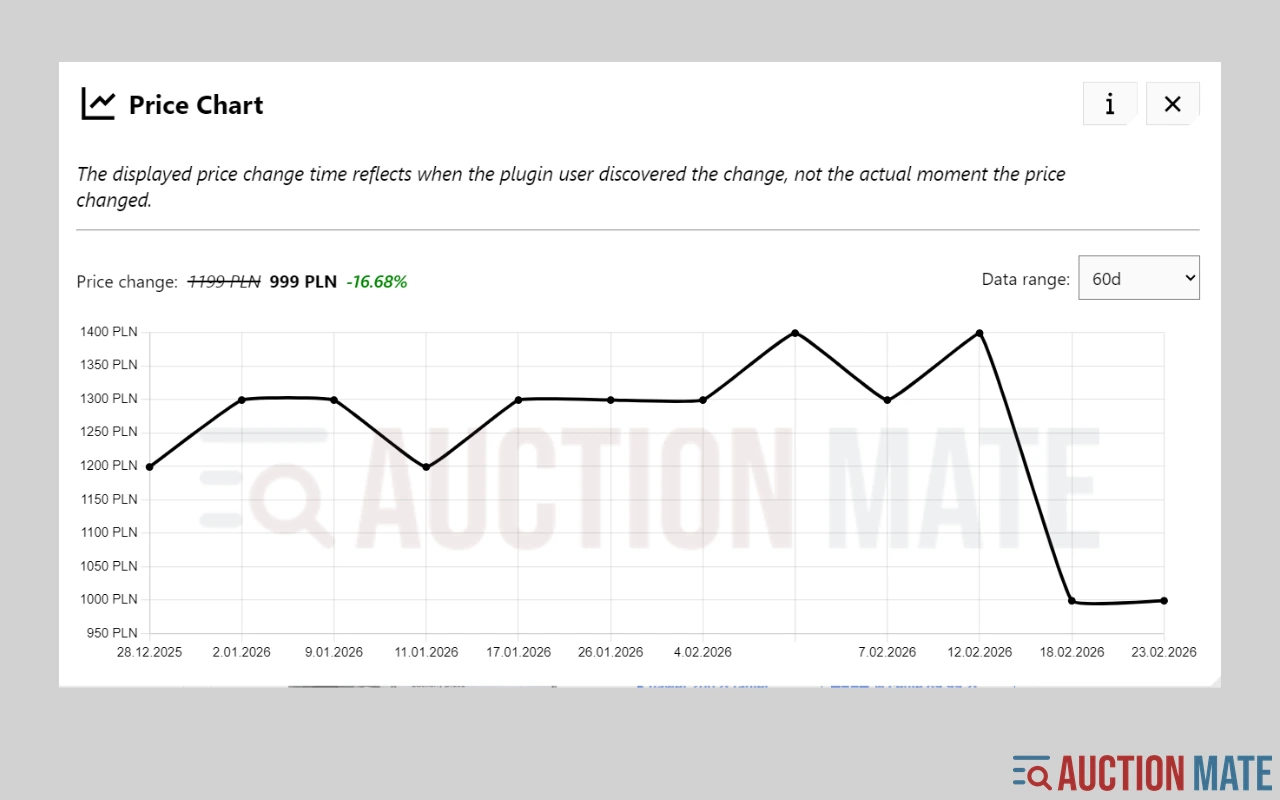
Kleinanzeigen doesn’t have the big “-30%” banners you see in online shops. What you get instead is a single price with no context. Kleinanzeigen price history — how a listing’s price moved over time — is something you can check with a browser extension: a chart right on the offer page, without spreadsheets or screenshots.
Does Kleinanzeigen show built-in price history?
Not really. The site only shows a crossed-out old price when the current amount is below the listing’s original starting price. That helps for one cut, but it doesn’t answer the questions buyers actually care about:
- how many times the price already dropped,
- whether the seller raised it earlier,
- whether today’s number is the floor — or just the start of a gradual climb-down.
Why Kleinanzeigen prices keep changing
Kleinanzeigen is local classifieds — mostly private sellers and small traders. The listed price isn’t fixed; it’s an opening offer, often negotiable, that sellers adjust when interest is slow.
Common reasons for changes:
- No messages — after a few quiet days the seller cuts €10–€30, sometimes several times in a row.
- Edits and refresh — a small tweak to price or description can push the listing higher in search; a “fresh” price isn’t always a better deal.
- Season and demand — bikes in spring, furniture during moving season, electronics before holiday sales.
- Re-listing — same item, new URL, higher starting price with no visible history.
Without tracking, you only see today’s number — not enough once travel, pickup, and condition all feed into what you’re really paying.
How to check Kleinanzeigen price history without manual notes
You can jot prices in a notebook, save screenshots, or trust your memory. Watch five or fifteen listings that way and it falls apart fast.
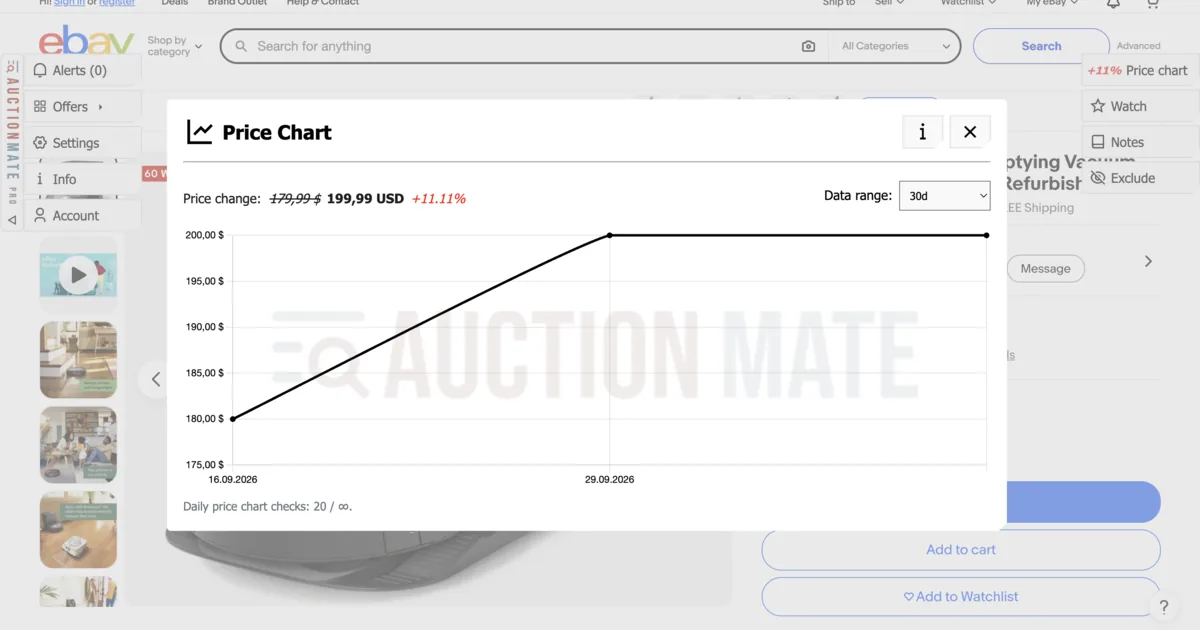
AuctionMate is a browser extension that shows price charts on Kleinanzeigen listing pages — up to 60 days back, or from when the ad went live. You see at a glance whether the price is falling, flat, or recently up. Set an alert and get notified in the extension or via a browser push whenever the price changes.
How the chart works in general is covered in Don’t buy blindly – see if the price is rising or falling — here we focus on Kleinanzeigen specifically.
When the chart gives you an edge on Kleinanzeigen
It’s easy to message “Is this still available?” or book a same-day pickup because the photos look great. Without history you don’t know if today’s price is already the bottom of the curve — or just where the seller starts negotiating down.
Situations where the chart helps:
- A run of cuts — the listing has been up for three weeks and the price dropped three times by €15–€20. The seller is ready to go lower; your offer has real backing.
- A fake “deal” — a drop from €200 to €170, but a month ago the same item was €160. The chart shows a hike and walk-back, not a seasonal bargain.
Negotiation tip: try something like “I can see the listing has been up a while and the price keeps dropping — I’ll offer €X and pick it up today / this weekend.” Facts from the chart beat a vague “Any room on the price?”.
Price alerts instead of refreshing your saved list daily
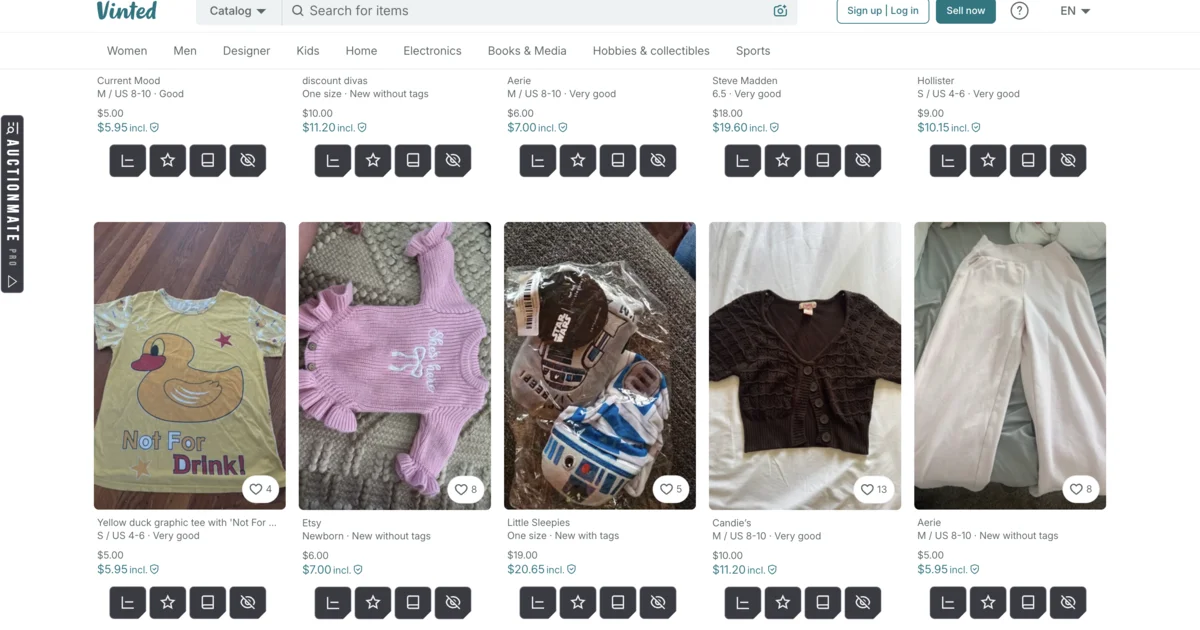
You’re watching five listings — bike, desk, sofa — and manually refreshing your saved list eats time. In AuctionMate, set alerts on those ads; when the price changes, you get a notification. Especially useful on negotiable listings where sellers step down in small cuts rather than one big discount.
Buy on Kleinanzeigen with data, not gut feel
Kleinanzeigen is a strong source of second-hand goods at fair prices — if you know how the listing price looked before. AuctionMate puts that context on the offer page: chart, trend, and price alerts.
Install AuctionMate and browse Kleinanzeigen with price history on your side — instead of guessing whether today’s “deal” really is one.
More platforms with price history: What platforms does AuctionMate support?
Related articles
-
Article
Don't buy blindly – see if the price is rising or falling
Don't overpay for online shopping. Check the 60-day price history, see the change chart, and find out if it's truly the lowest price.
-
Article
Why Do You Keep Seeing the Same Listings?
Find out why you keep seeing the same listings and how to organize your browsing.
-
Article
What platforms does AuctionMate support?
AuctionMate is a browser extension for many marketplaces like Amazon, eBay, Copart, and IAAI.


Other articles
-
How to Check Cosmetics and Perfume Prices on Notino
Notino prices jumping? Check cosmetics and perfume price history, spot real deals vs marketing, and buy smarter with AuctionMate.
-
How to check price history on eBay?
How to check eBay price history? AuctionMate shows a chart on the listing — auctions, Buy It Now, and used items without guessing.
-
Discount or manipulation? How stores bypass Omnibus rules.
Are discounts really saving you money? Learn how stores manipulate pricing under Omnibus rules and why coupons and deals can be misleading.
-
Reseller tools: how to source for resale without overpaying
Listing price history before you offer, price change alerts and order across hundreds of listings a day — reseller tools that run in your browser.