How to Track Electronics Prices Before You Buy

Electronics price history: buy with a chart, not a badge
You’re comparing a laptop, a GPU, or a TV across shops. One store shows a red “deal”; another looks cheaper until shipping. Without history, you can’t tell a genuine drop from a recycled promotion.
This guide is about electronics shopping with price context in the browser. Dedicated walkthroughs: Amazon price history and eBay price history.
Why electronics prices move so quickly
Electronics retail runs on dynamic pricing, stock waves, and campaign calendars (Prime Day, Black Friday, back-to-school, console launches). The same model can change a lot within days.
Common traps:
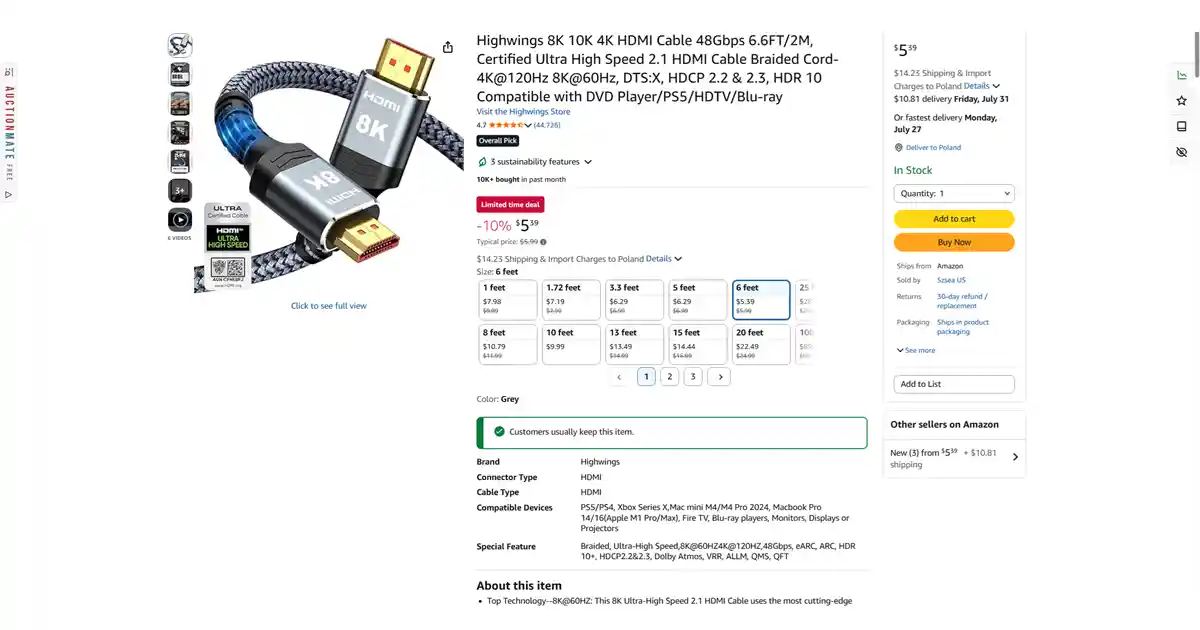
- Strikethrough “was” prices that don’t match the real recent range.
- Deal badges that look urgent but sit above last month’s actual floor — see Discount or manipulation?.
- New vs used — retail offers versus private sellers; different contexts, same need for history.
- Shipping and fees — the headline price isn’t always the checkout price.
A single number on the product page is not enough. You need price history.
How AuctionMate helps when you shop electronics
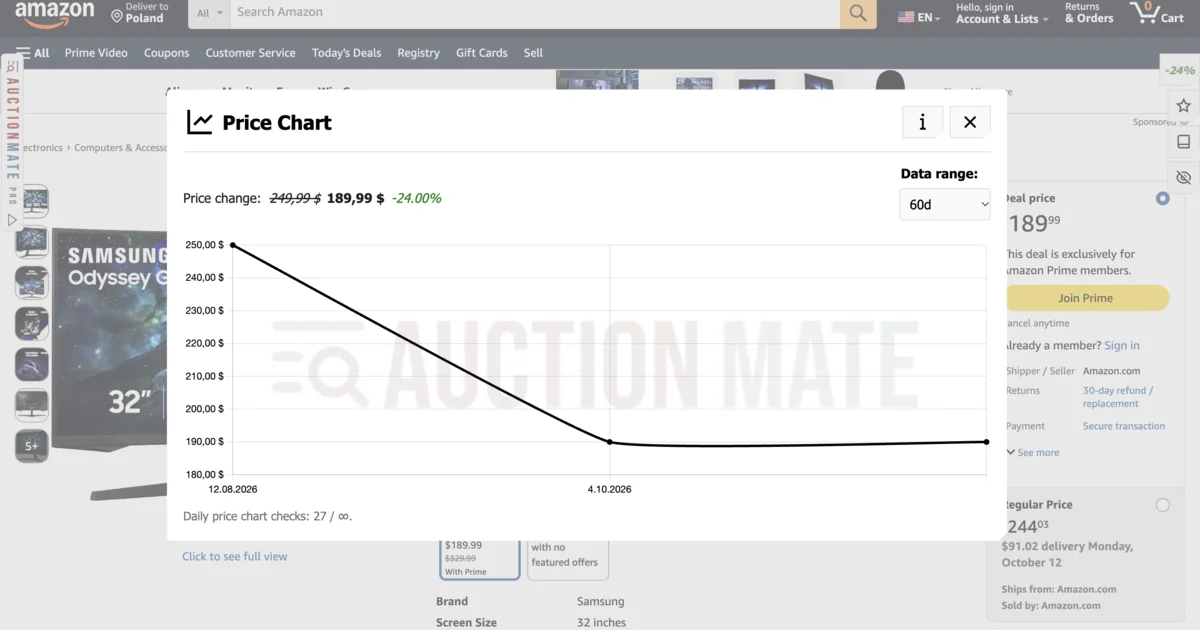
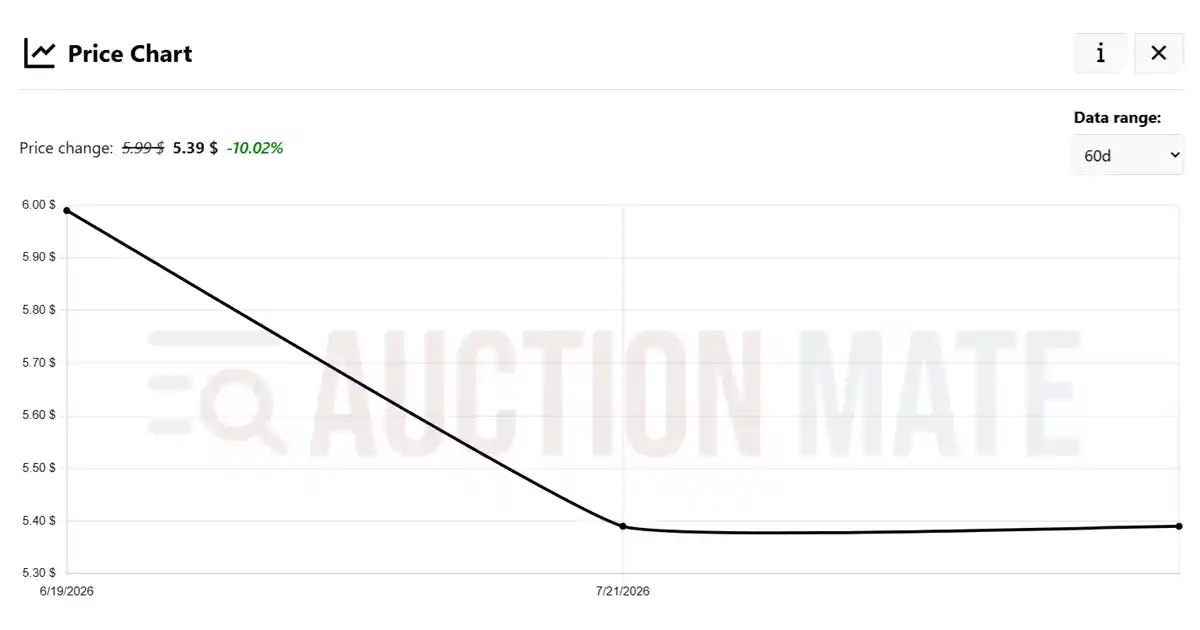
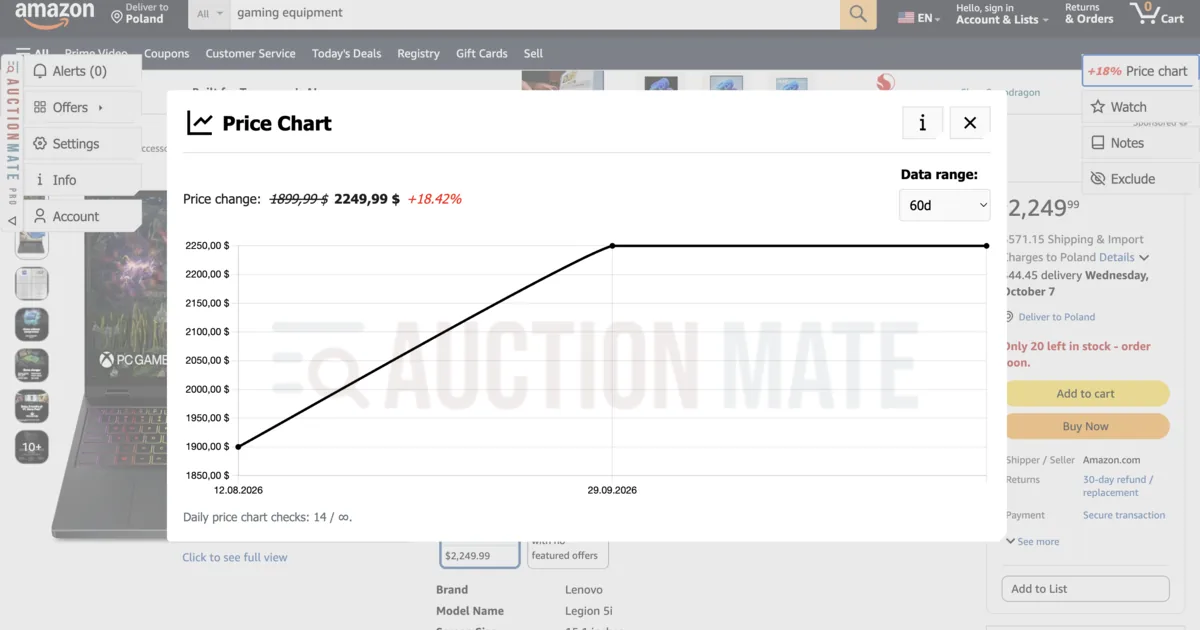
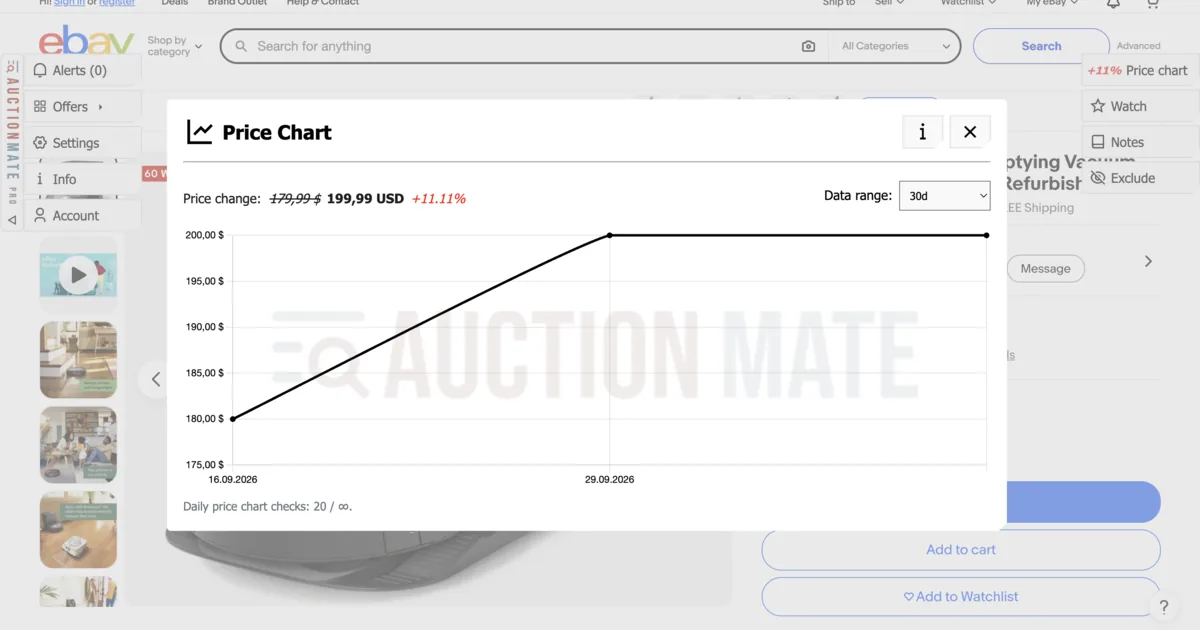
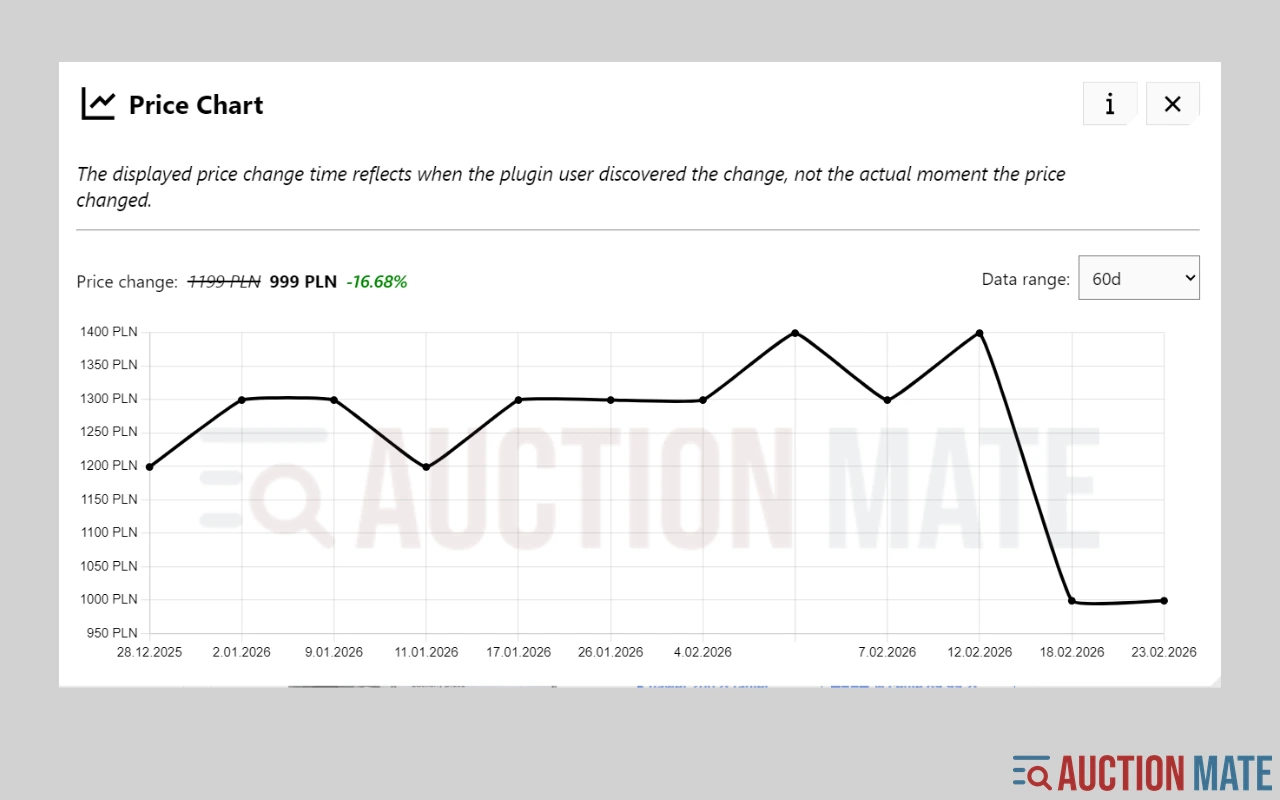
AuctionMate overlays a ~60-day price chart, a rise/fall signal, and price observation (a signal in Alerts on every price change — no target-price setup) on supported product pages. Chart basics: Don’t buy blindly.
Steps:
- Install AuctionMate once.
- Open a product page on a supported electronics store or marketplace.
- Read the direction of change, then open the chart.
- Compare today’s price to recent lows before you buy.
- Turn on price observation if you’d rather wait for the next change.
When the chart actually helps
- Deal events — “lowest price” banners that sit above last month’s real floor.
- GPU / console scarcity — see whether the spike is cooling or still climbing.
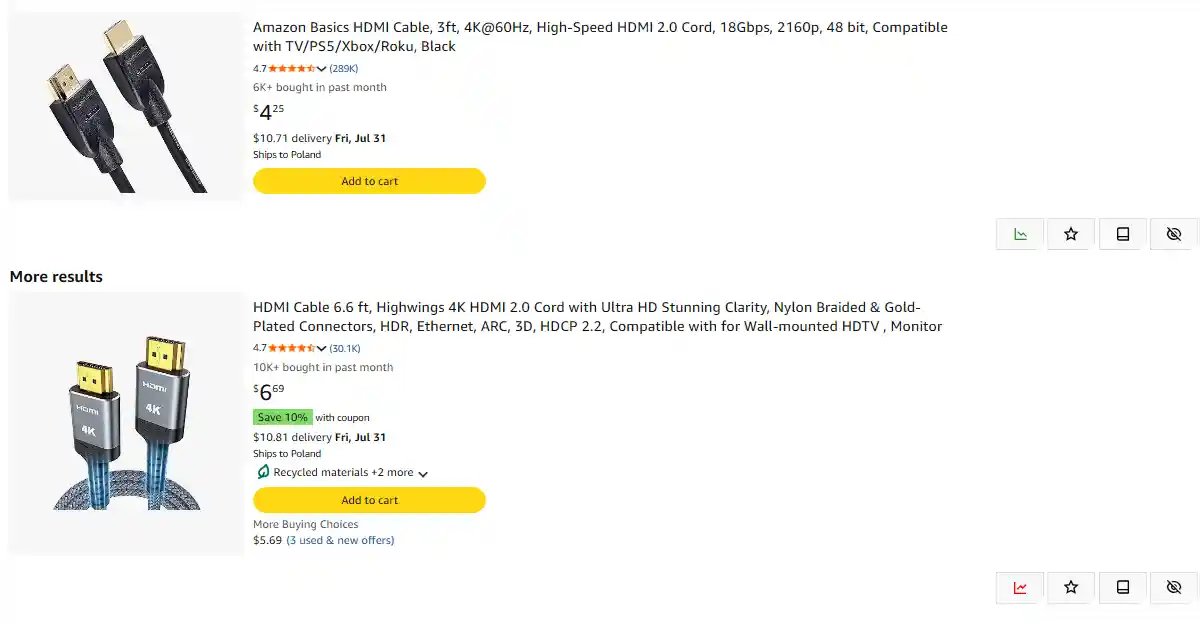
- Comparing shops — same model in more than one place; history on each page beats guessing.
- Watching instead of refreshing — observation notifies on every change so you don’t reload three times a day.
For Amazon-only traps (Lightning Deal, seller at the Buy button): how to check price history on Amazon. For auctions and Buy It Now: how to check price history on eBay.
Buy electronics with data, not banners
A red “-30%” badge is marketing, not a strategy. AuctionMate puts price history where you already shop.
Install AuctionMate and check electronics price history before you hit buy.
Related articles
-
Article
How to check price history on Amazon?
Amazon price history: 60-day chart, seller changes, and Lightning Deals — spot real offers beyond the badge with AuctionMate.
-
Article
How to check price history on eBay?
How to check eBay price history? AuctionMate shows a chart on the listing — auctions, Buy It Now, and used items without guessing.
-
Article
Don't buy blindly – see if the price is rising or falling
Don't overpay for online shopping. Check the 60-day price history, see the change chart, and find out if it's truly the lowest price.
Other articles
-
Discount or manipulation? How stores bypass Omnibus rules.
Are discounts really saving you money? Learn how stores manipulate pricing under Omnibus rules and why coupons and deals can be misleading.
-
Is It Worth Waiting for a Property Price Drop?
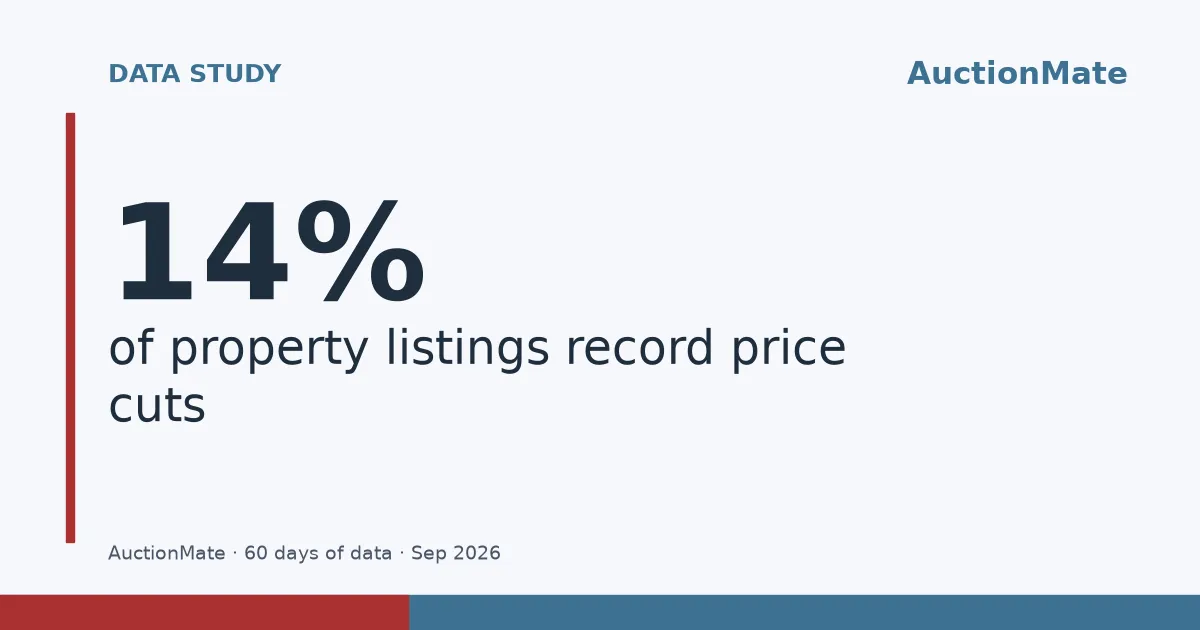
We analysed ~64,000 listings on Otodom and Adresowo. For 14% with ≥3 prices, the last price in 60 days beats the first; average cut PLN 41,849.
-
Vinted deals: how to find them and avoid overpaying
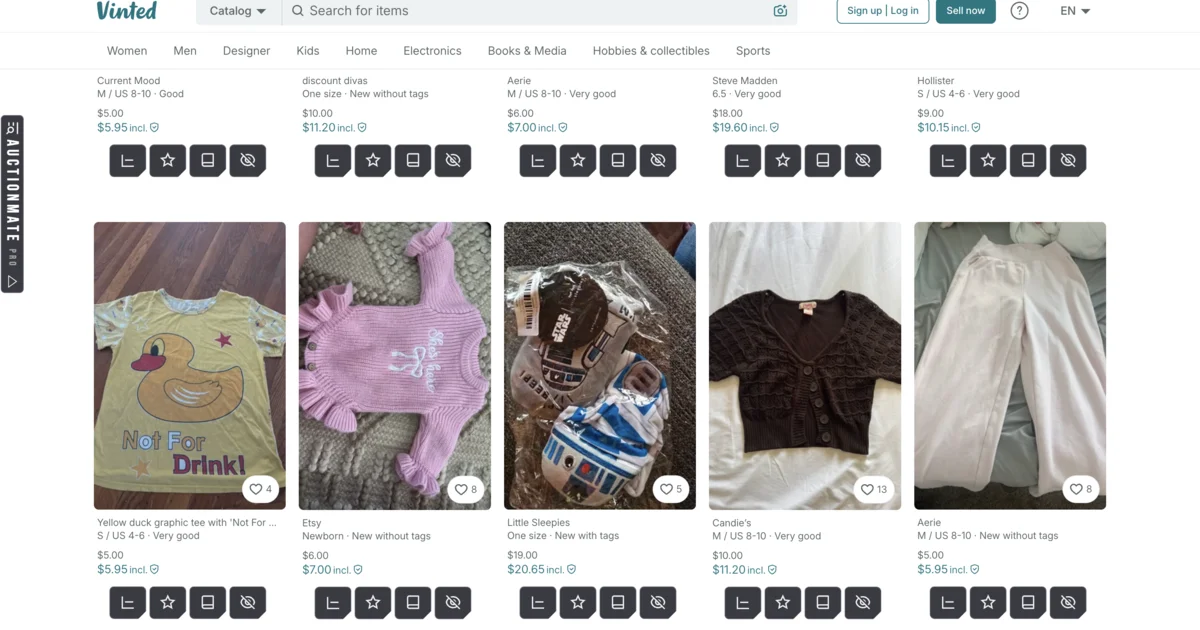
Vinted deals are rarely obvious: compare similar listings, check the listing's price history, set an alert and negotiate on facts — right in your browser.
-
Is Black Friday a scam? How to tell if the deal is real
Is Black Friday a scam? Sometimes a real deal, sometimes a return to the old price. AuctionMate shows ~60-day history — check before you buy.