How to check price history on Allegro?

Short answer: Allegro shows only 30 days of price data
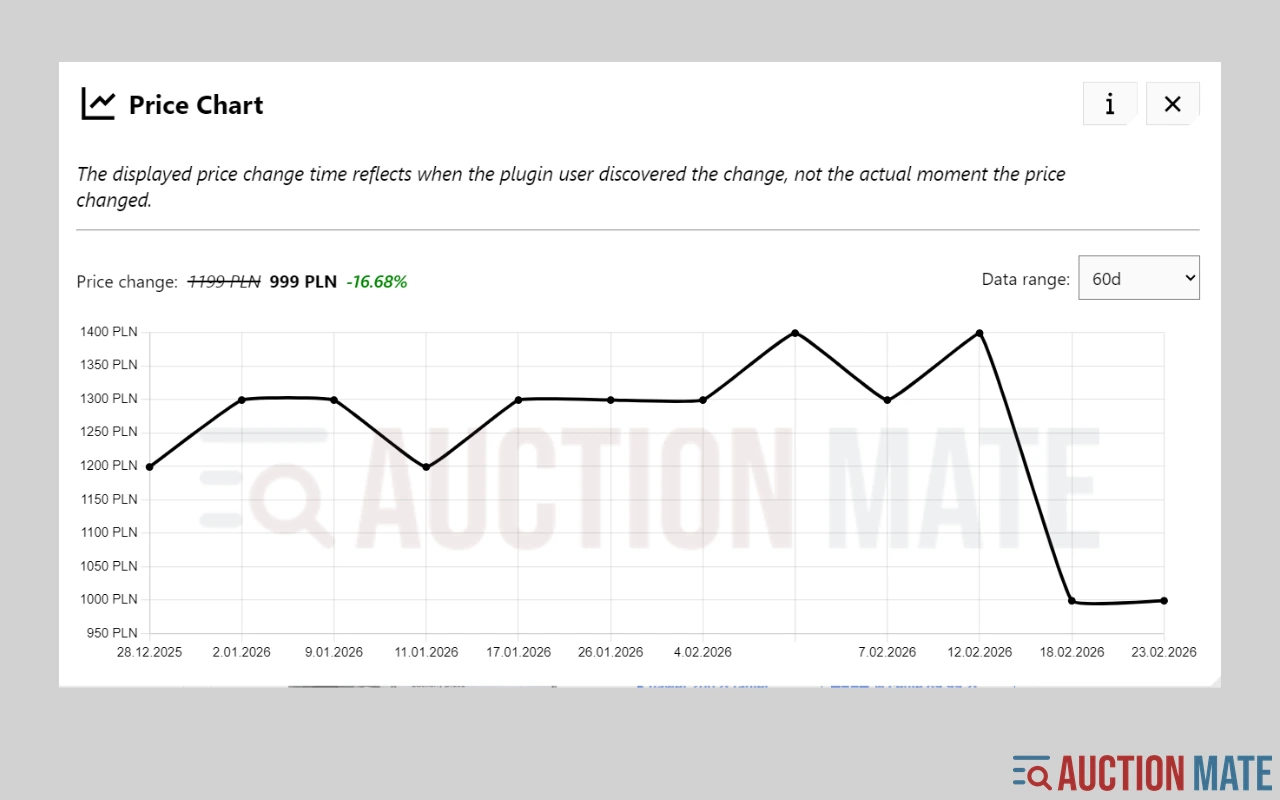
Allegro does not show a full price history for a listing. You see the current price and, on promotions, the lowest price from the last 30 days (the EU Omnibus rule). That is not enough to tell whether "-30%" is a real deal or marketing. Allegro price history is available with the AuctionMate browser extension: a ~60-day chart appears right on the product page, with no need to paste links into another site.
This guide covers why Allegro prices change so often, what the 30-day rule does and does not show, and how to check a price history before you click "Buy now".
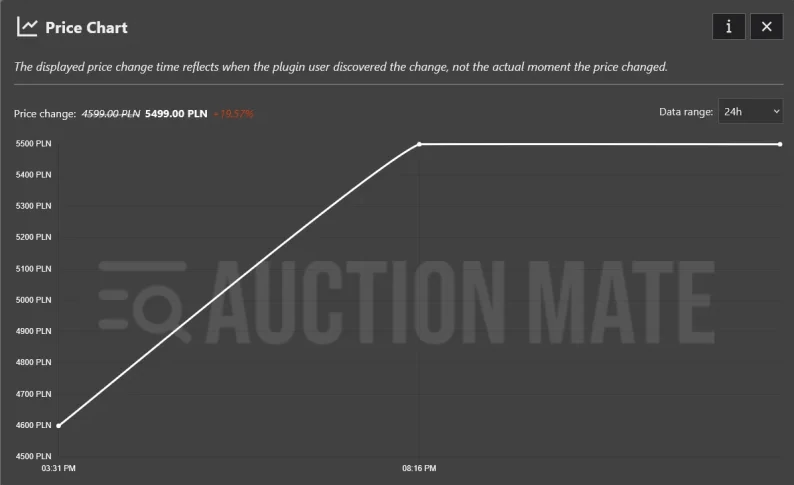
Why Allegro prices keep changing
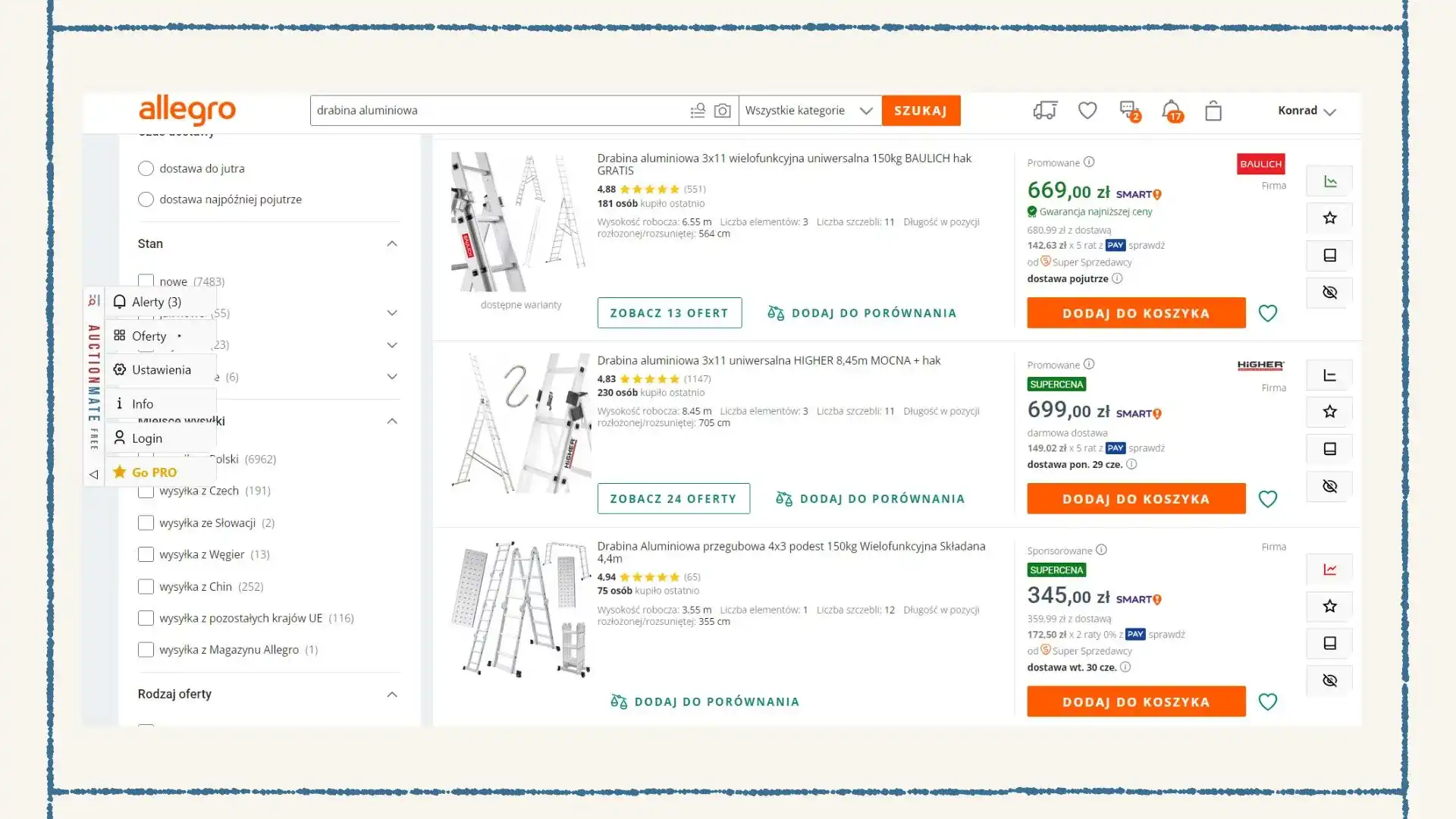
Most large marketplaces, Allegro included, use automated repricing. Sellers' tools adjust prices against competitors, and a product's price can change several times a day. The "old price" struck through next to the current one is often marketing, not a real reference point.
Does Allegro show price history itself?
No. Allegro does not publish a full price chart for an offer. When a promotion is marked, the platform must show the lowest price from the last 30 days. That comes from the Omnibus directive and covers promotions only.
So searches for "Allegro price tracker" or "Allegro price monitoring" lead to browser extensions and external tools.
Omnibus vs. a full price history
The 30-day rule helps, but it has limits:
- It covers 30 days only, and only offers marked as promotions.
- A seller can list the same product again as a new offer, which resets the counter.
- The real margin can hide in delivery costs.
For the bigger picture on fake promotions, see Is it a real discount or manipulation?. For the same chart logic on other marketplaces, see Don't buy blindly.
How to check Allegro price history without leaving the offer
Copying offer numbers into outside tools, taking screenshots, or keeping a spreadsheet quickly falls apart once you track more than a few products.
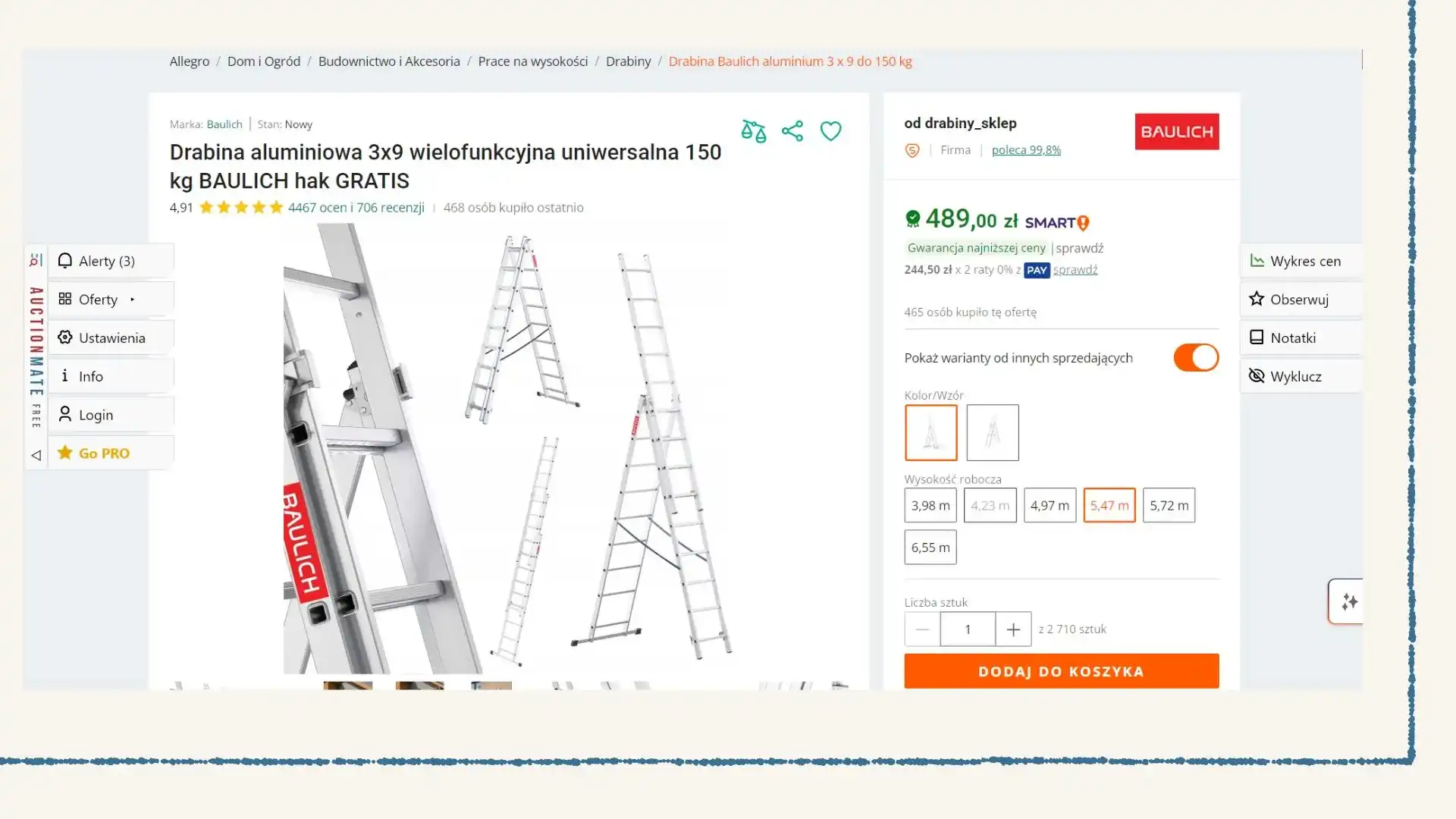
AuctionMate is a browser extension. On an Allegro product page it shows a price history chart (about 60 days), a trend indicator (rising, falling, stable), and an optional price alert. You don't paste links. The chart appears where you are already looking at the offer.
How it works in practice:
- Install the extension once.
- Open any Allegro offer.
- See the price history chart on the product page.
- Set an alert if you'd rather wait for a price drop.
Allegro price alerts: when to act
A price alert is most useful when you're watching several products at once. You don't need to reopen each offer every day. The alert fires on every price change for the offer you're watching. You can't set a threshold such as "tell me when it drops below X".
When the chart changes your decision
A "discount" that is really a return. The price dropped from 749 to 699. The chart shows it was 680 a month ago. The "deal" is just a return to an earlier price after an inflated period.
A steady seller. The price drops a little every few weeks. That suggests room to negotiate on used items or local deals.
A price that keeps moving. The price bounces up and down within a few days. Wait before buying, because the next change may come soon.
Frequently asked questions
Can I see the price history without the extension? Some sites need you to paste a link or an offer number. The extension is more convenient because it works on the Allegro page itself.
Is the 30-day lowest price the same as price history? No. It is a legal requirement for marked promotions. It is not a full chart of changes over a longer period.
Is this an Allegro price tracker? Yes. The price history chart and the price alert together work as a price tracker for Allegro offers in your browser.
Does AuctionMate work outside Allegro? Yes. It also covers eBay and Amazon.
Check Allegro price history before you click "Buy now"
You don't have to trust a red "-30%" banner. Install AuctionMate and browse Allegro with the price history chart on each offer.
Learn more: Don't buy blindly – the 60-day price chart.
Related articles
-
Article
How to check price history on eBay?
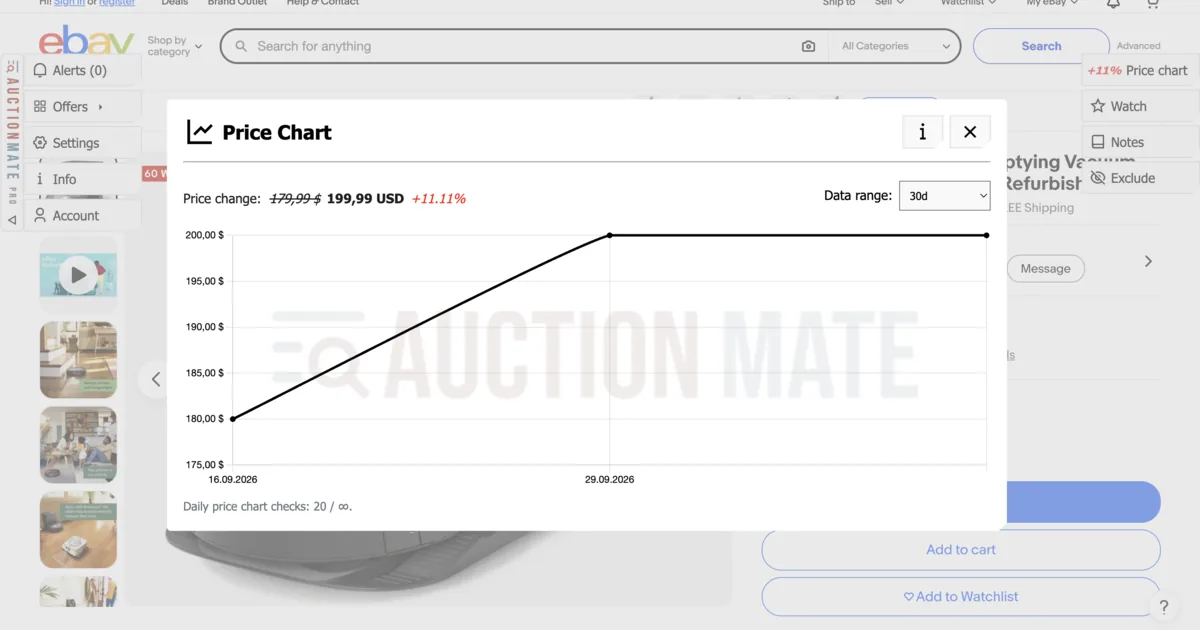
How to check eBay price history? Sold-price tools show market value; AuctionMate charts this listing's price for 60 days, so you see every cut or raise.
-
Article
How to check price history on Amazon?
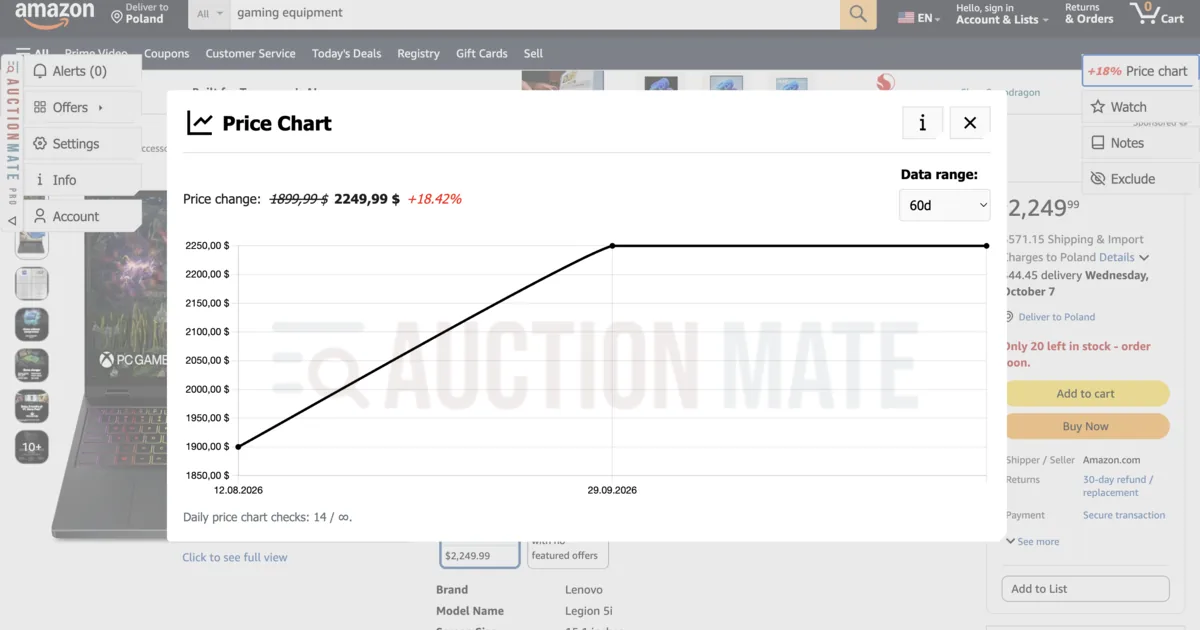
Amazon price history: 60-day chart, seller changes, and Lightning Deals — spot real offers beyond the badge with AuctionMate.
-
Article
Don't buy blindly – see if the price is rising or falling
Don't overpay for online shopping. Check the 60-day price history, see the change chart, and find out if it's truly the lowest price.
Other articles
-
Why Do You Keep Seeing the Same Listings?
Find out why you keep seeing the same listings and how to organize your browsing.
-
How to Check Cosmetics and Perfume Prices on Notino
Notino prices jumping? Check cosmetics and perfume price history, spot real deals vs marketing, and buy smarter with AuctionMate.
-
Reseller tools: how to source for resale without overpaying
Listing price history before you offer, price change alerts and order across hundreds of listings a day — reseller tools that run in your browser.
-
Vinted deals: how to find them and avoid overpaying
Vinted deals are rarely obvious: compare similar listings, check the listing's price history, set an alert and negotiate on facts — right in your browser.